Everything stays on your device
The complete generation runs on your Mac. Your prompt, model work, and final image are never sent to an online image-generation service.
 Krealize
Krea 2 image generation for macOS
Krealize is a native Krea 2 macOS app tuned for Apple silicon. It runs completely on your device—from your prompt to the final image. Nothing is sent to an image-generation service.
Apple silicon · macOS 26 or later · Model downloads on first use
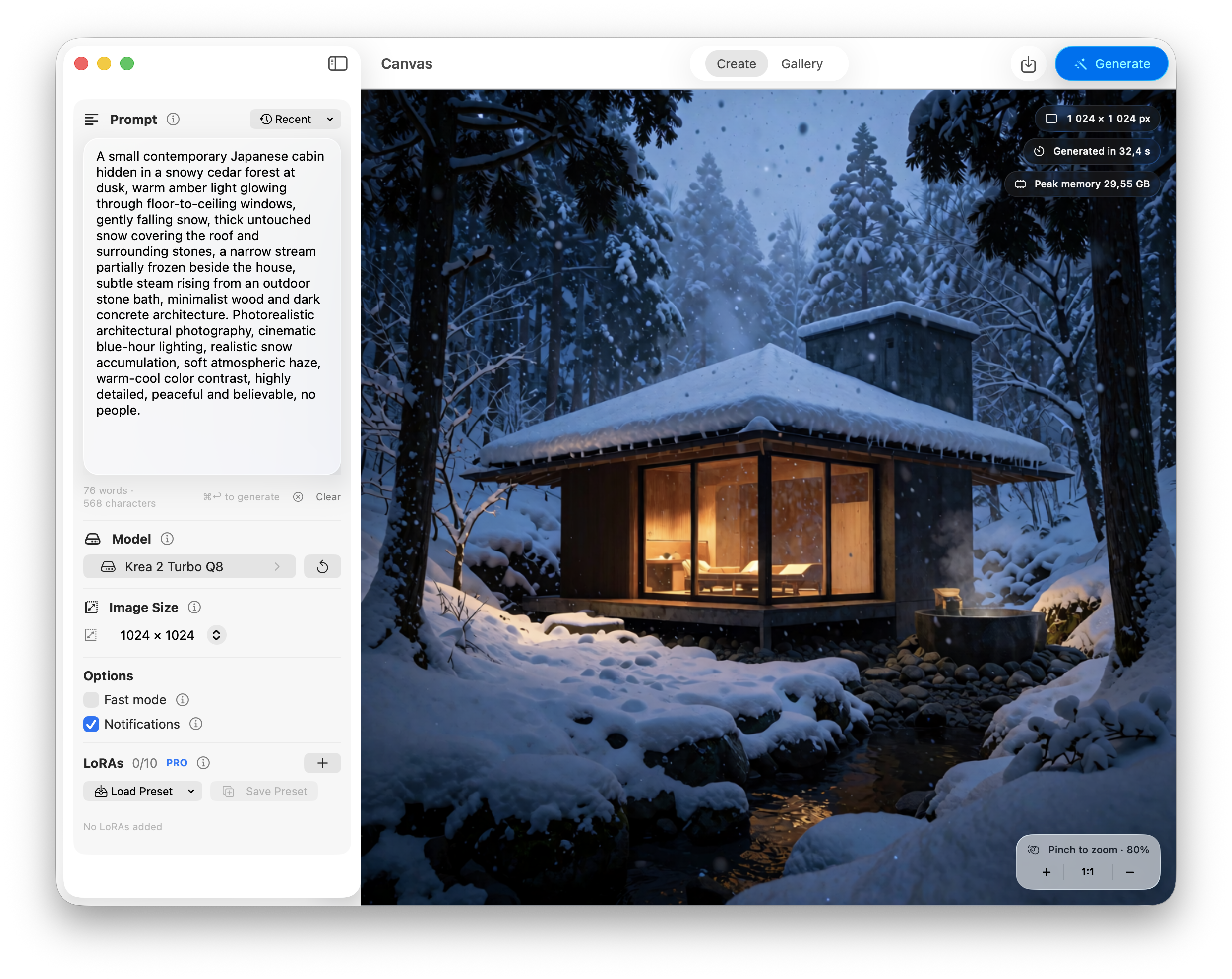
Built for Mac speed
Krealize is built around Apple silicon and MLX. The GPU and unified memory in your Mac do the work, so a finished 1024 × 1024 image can be ready in 24 seconds.
* Measured on a 16-inch MacBook Pro with M5 Max, 48 GB unified memory, using Fast mode. Speed varies by Mac and settings.
A simple workspace
Prompts, settings, progress, and results live in one clear window. Your recent work stays close when you want to pick up an idea again.
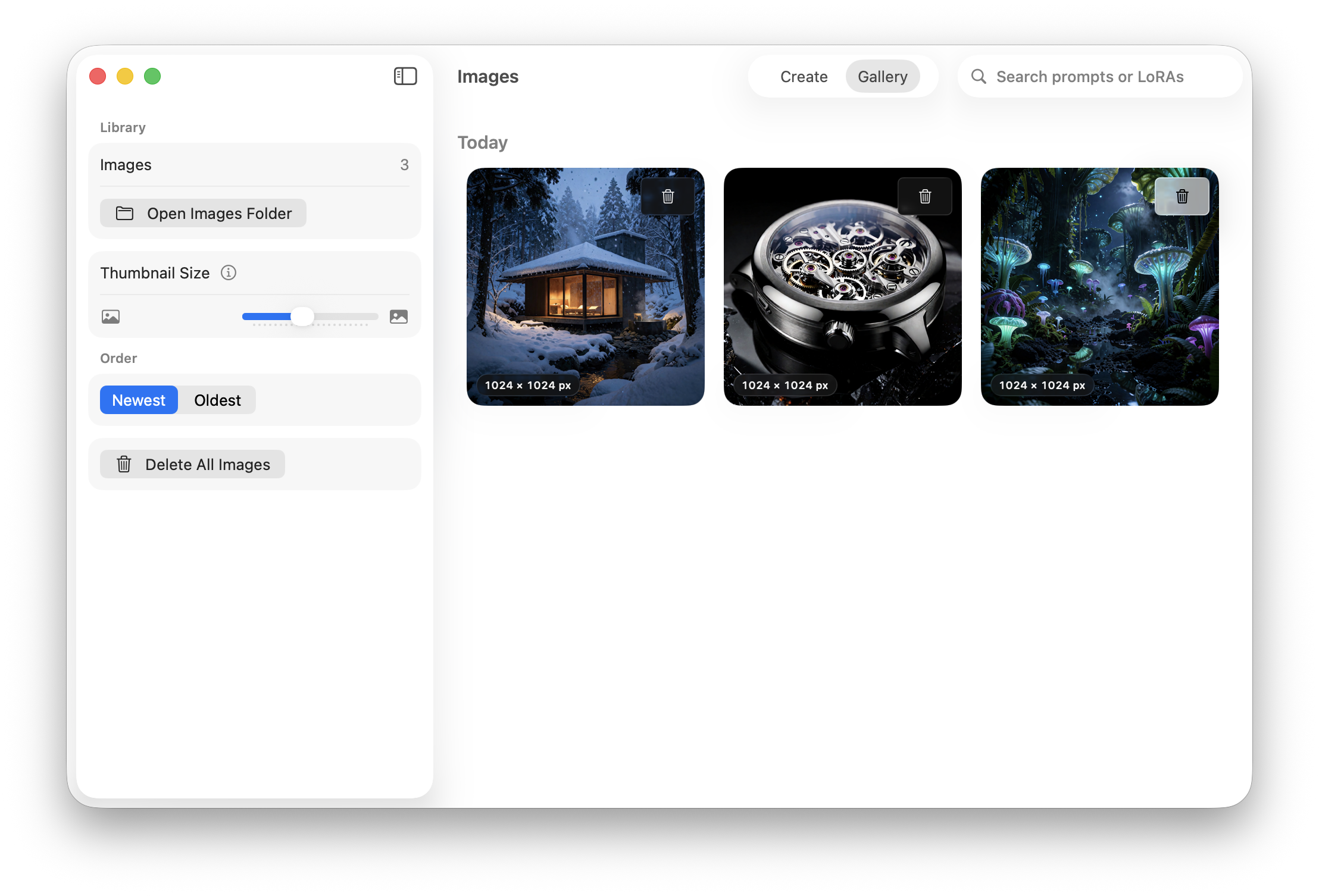
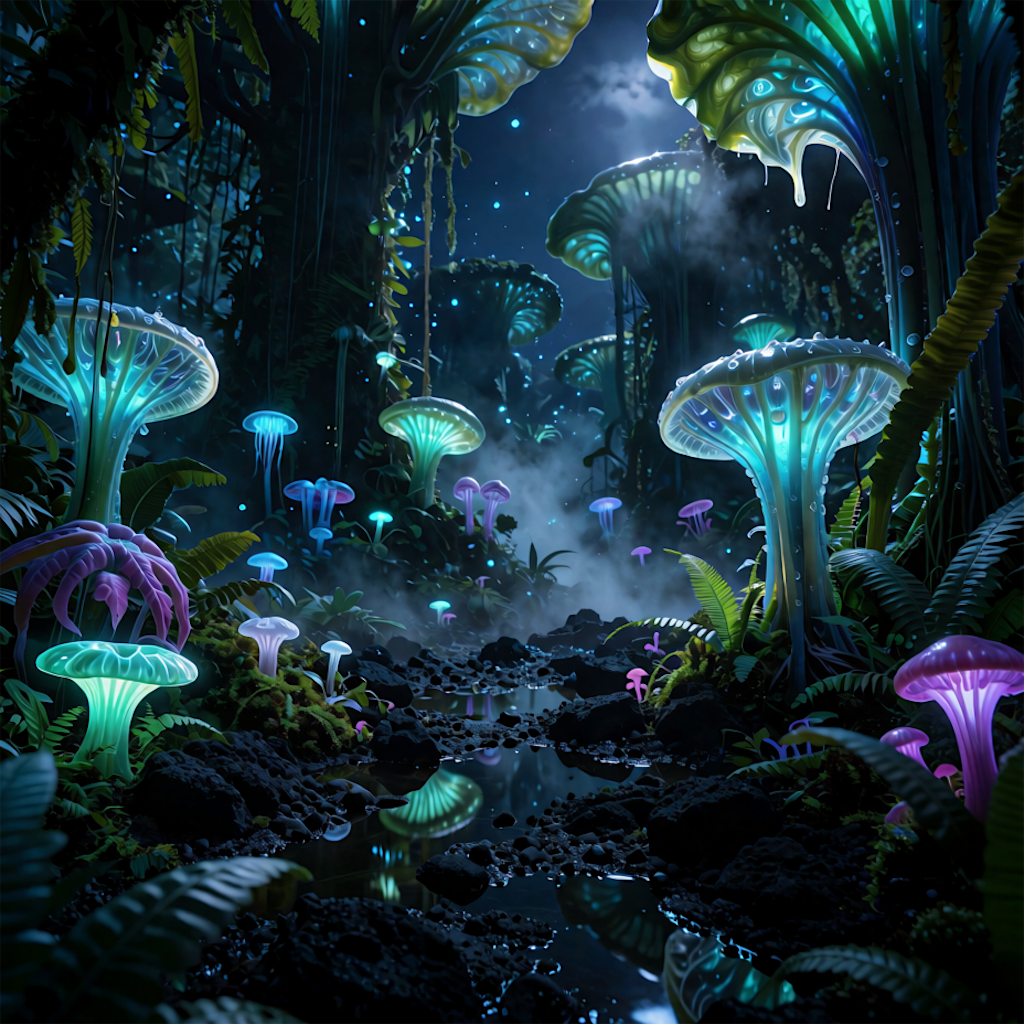
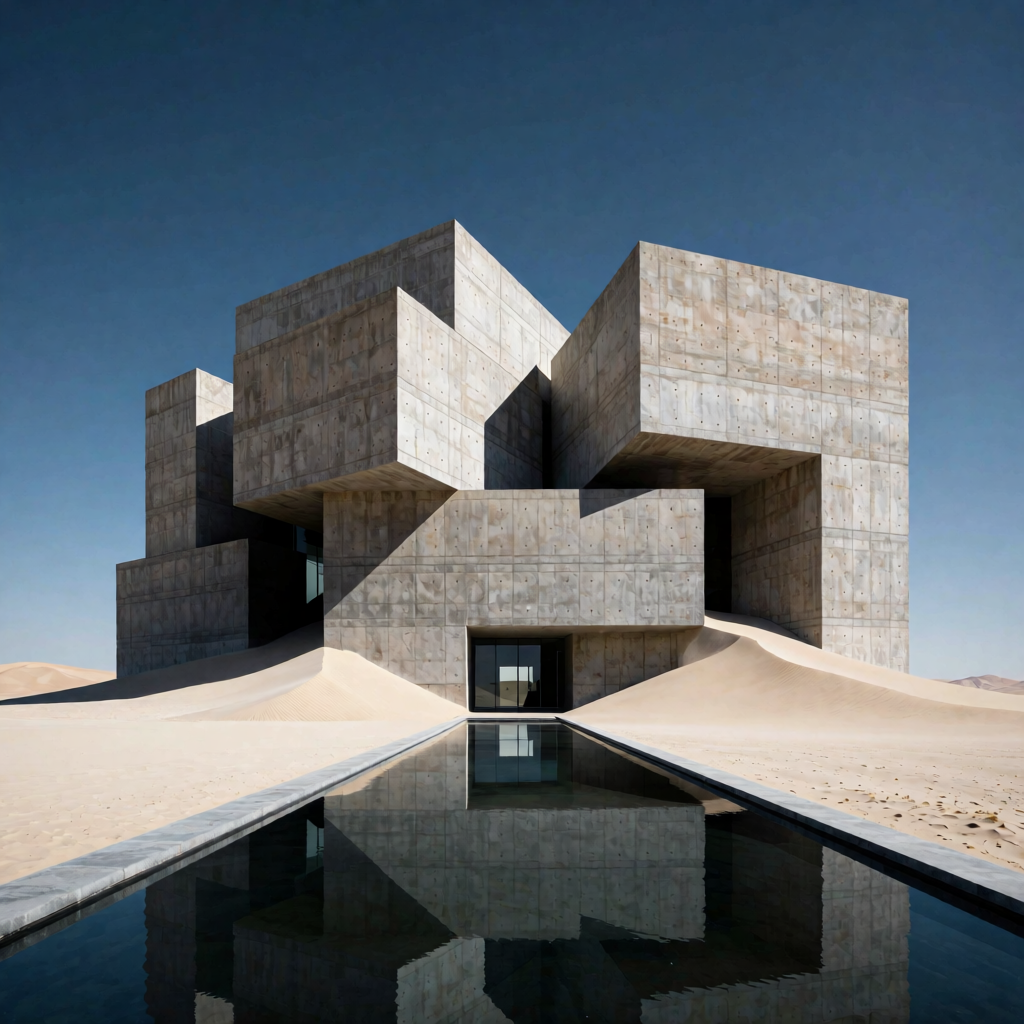
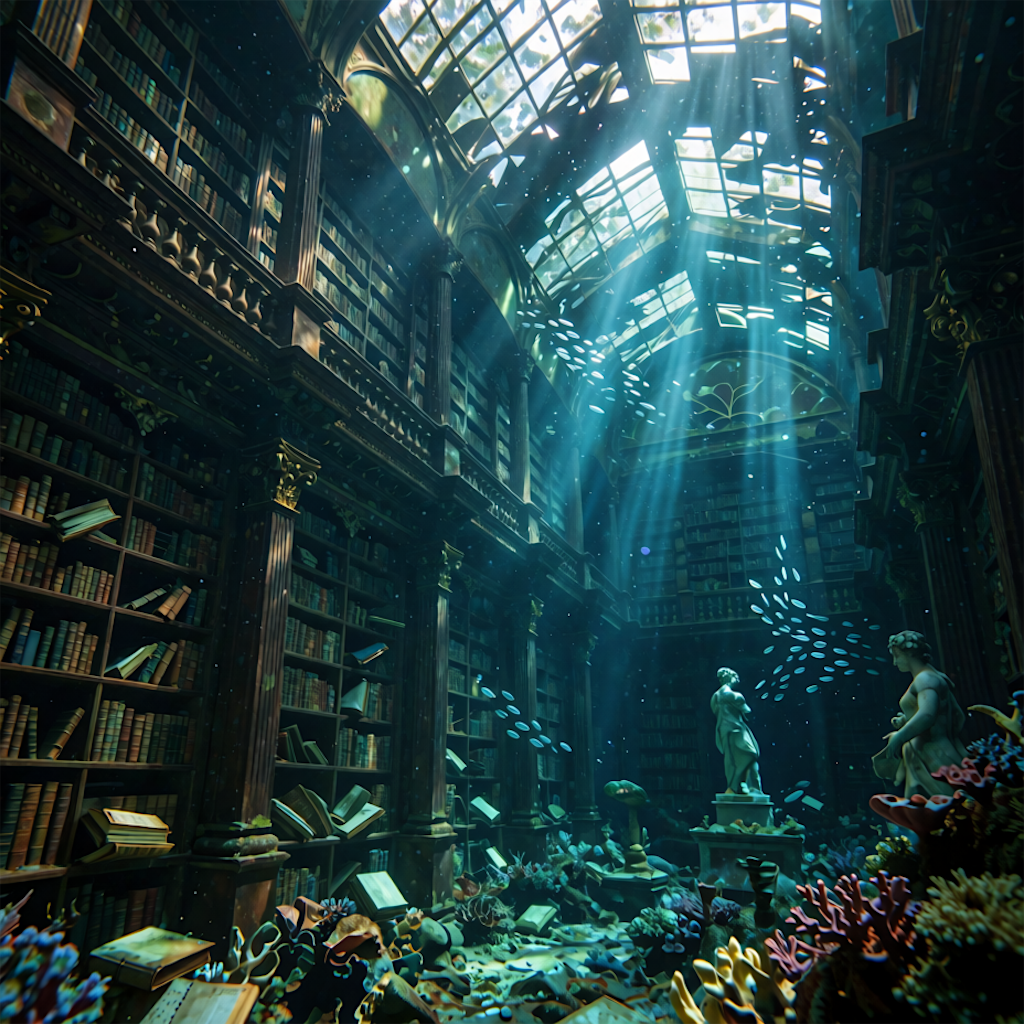
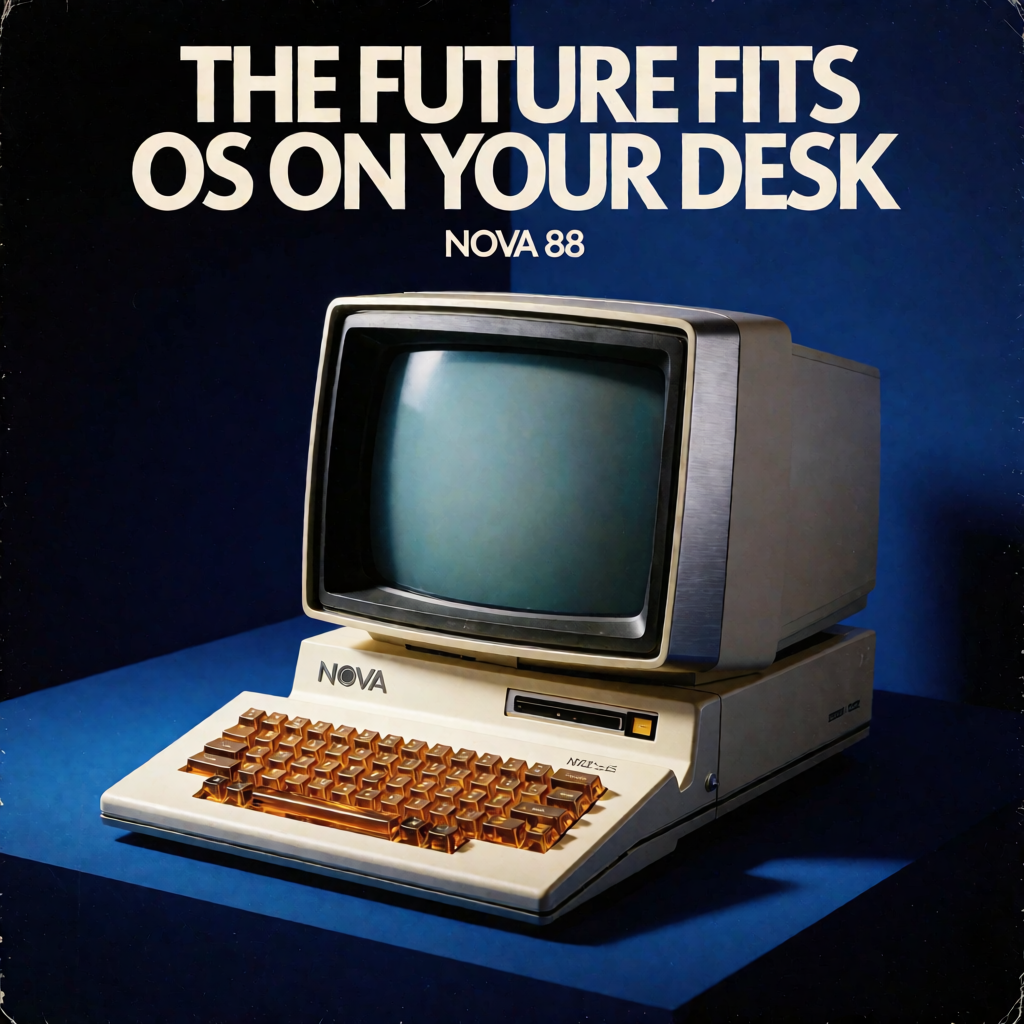
Made with Krealize
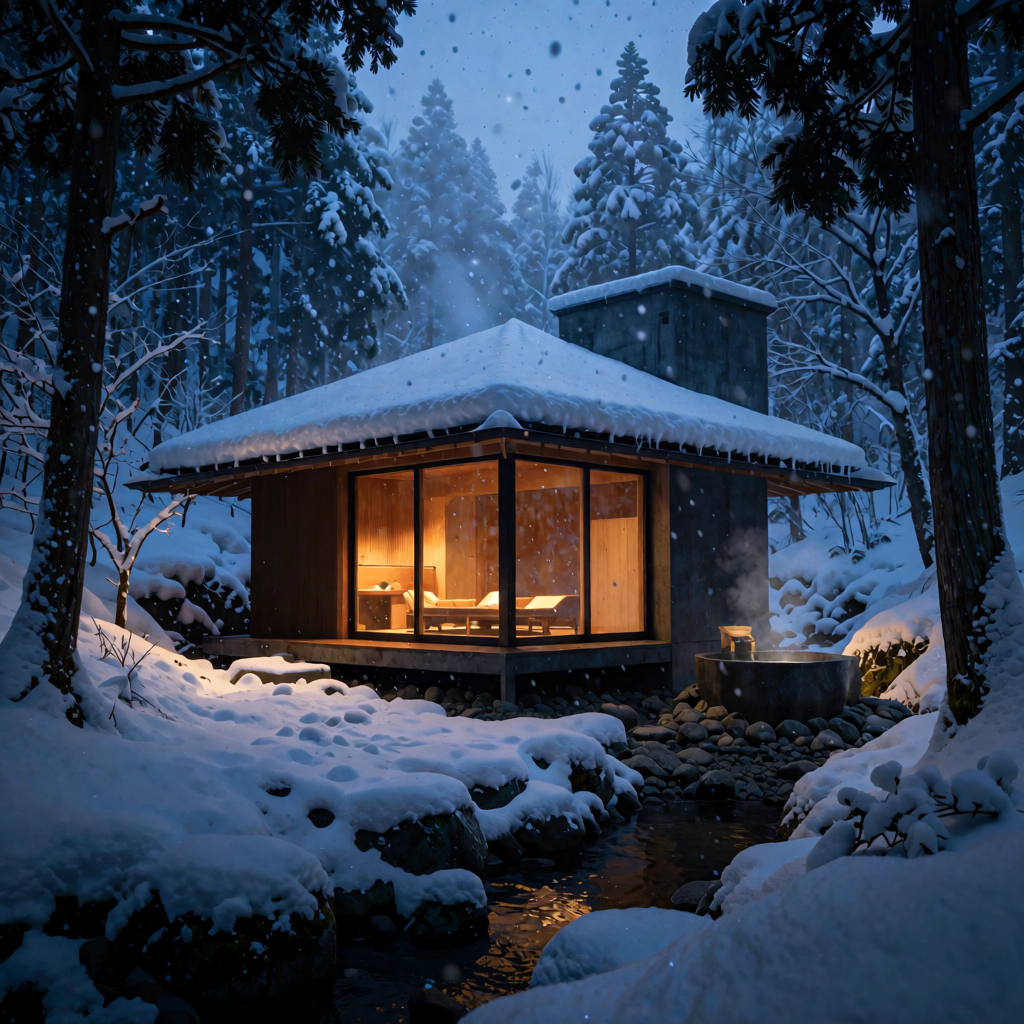

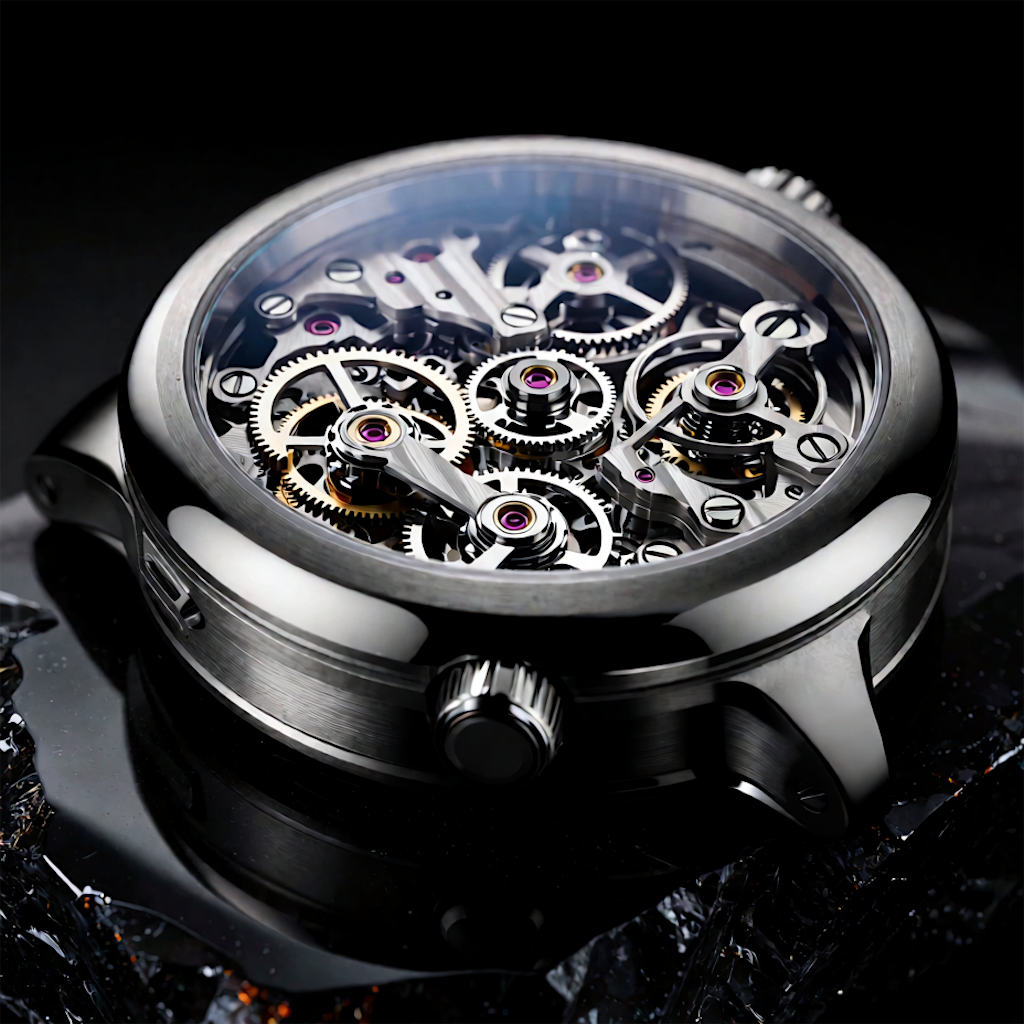

Made for everyday use
The complete generation runs on your Mac. Your prompt, model work, and final image are never sent to an online image-generation service.
MLX uses the GPU and unified memory already inside your Mac for generations as fast as 24 seconds.*
PRO adds custom LoRAs, saved presets, fast mode, PNG export, and notifications.
Good to know
Yes. Krealize runs Krea 2 locally on Apple silicon Macs. It is a native macOS app built around Apple's MLX framework.
Yes. Your prompt, model processing, and final image stay on your device. Krealize does not send them to an online image-generation service.
A 1024 × 1024 image can be ready in 24 seconds in Fast mode on a 16-inch MacBook Pro with M5 Max and 48 GB unified memory. Results vary by Mac and settings.
Krealize requires an Apple silicon Mac and macOS 26 or later. More unified memory gives the model more room to work.
Ready when you are
Free to download. Krealize PRO is a one-time purchase inside the app.